This article provides practical examples of how service providers create animated digital signage content for stand-alone operation (USB/SD).
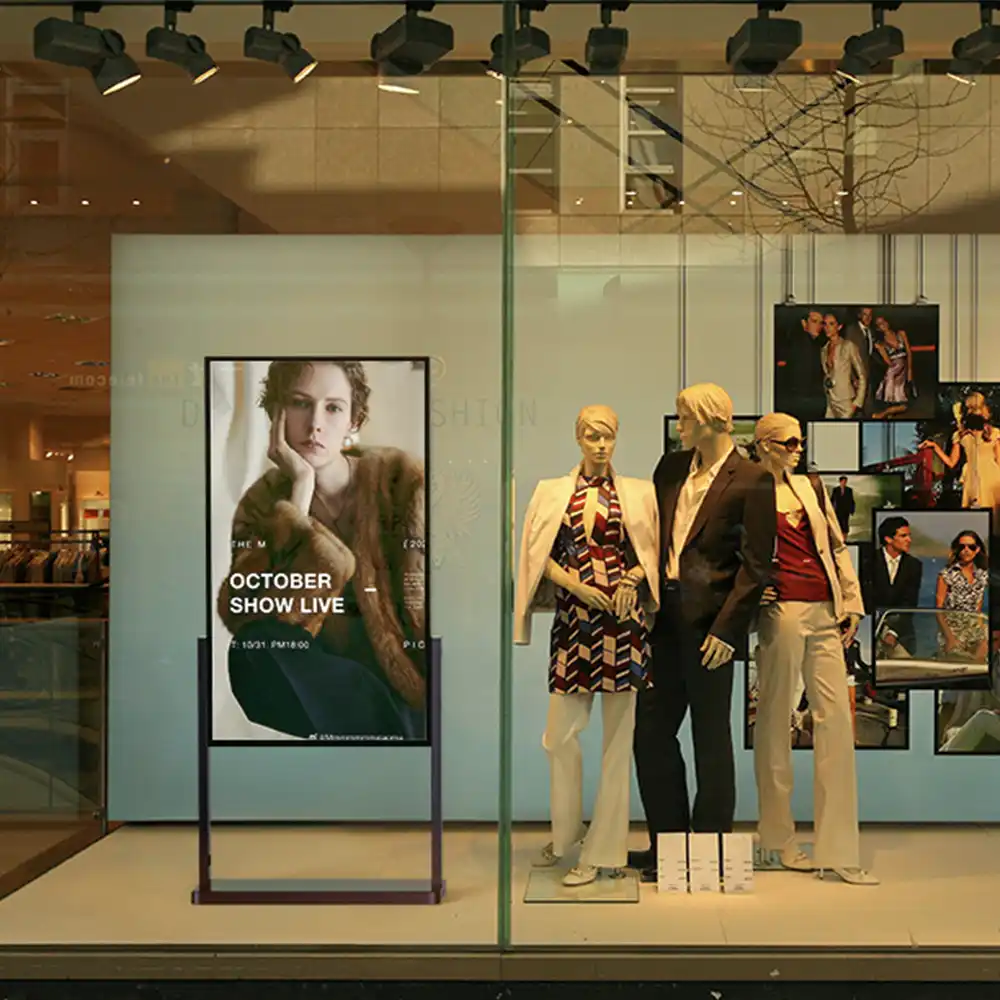

The fastest and easiest way to achieve digital visibility and information. Easy to use and perfect for a small number of devices.
Stand-Alone is designed for quick commissioning and stable continuous operation: content is imported via USB stick or memory card, and playback starts automatically after insertion (plug-and-play).
A permanent network connection is not required. Automatic start/stop times and autoplay parameters (alignment, playback duration, playback mode, display logic) are optional.
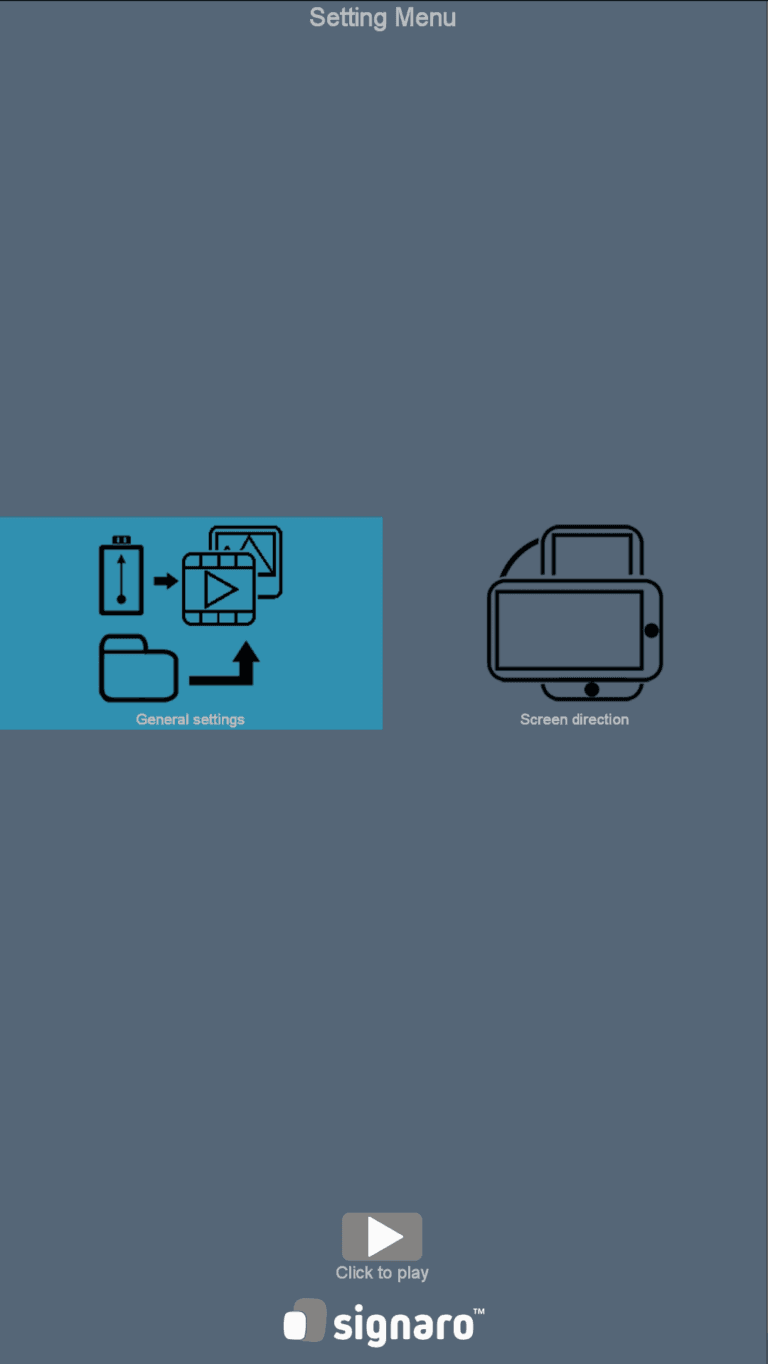
No server, no CMS rollout, no network requirement: Stand-alone operation is designed for quick commissioning and stable continuous operation.
You can easily import content via a medium (USB stick or memory card). This reduces training costs and makes operation efficient, even in branch or location structures.
If desired, start and stop times can be defined, e.g., to match opening hours or shift operations.
The autoplay settings can be used to control alignment, playback mode, display logic, and other aspects to suit the location and content.
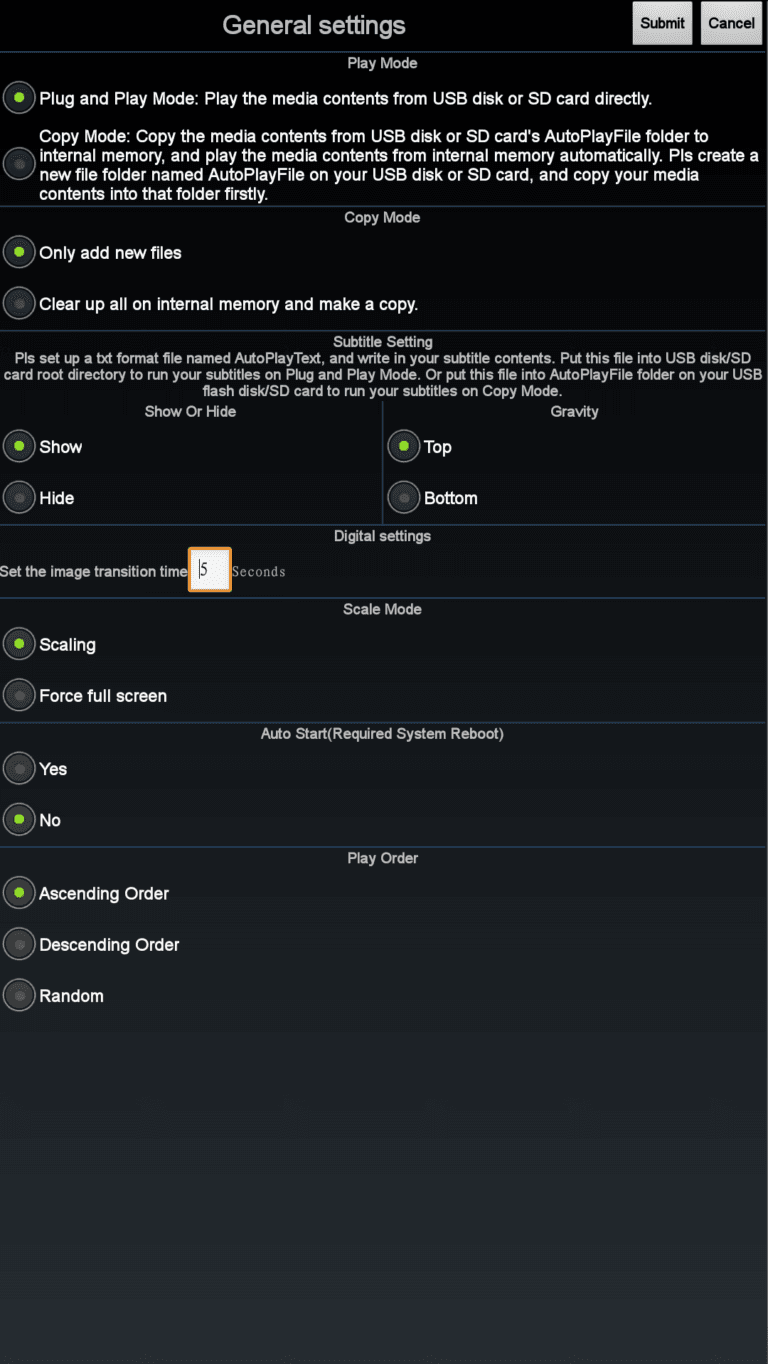
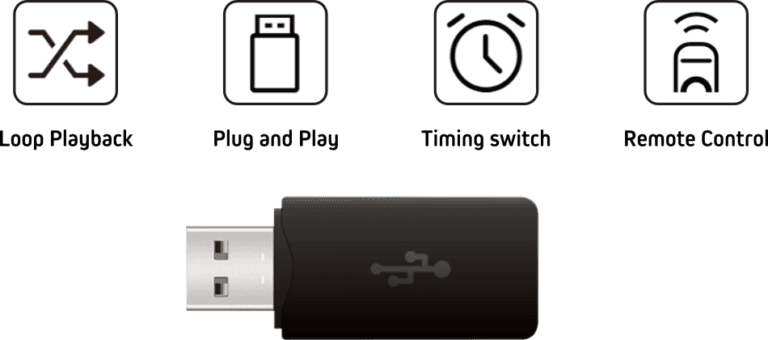
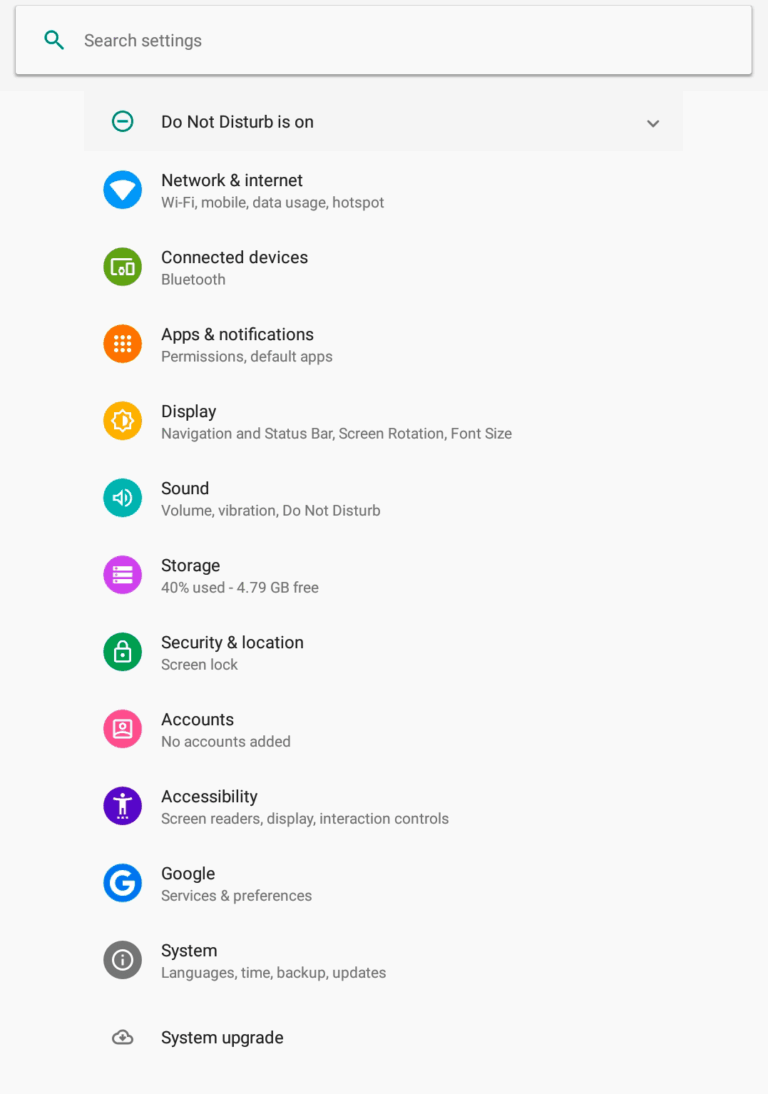
The devices are delivered pre-commissioned. This includes the basic settings that are relevant for trouble-free digital signage operation.
Optimized system settings for trouble-free stand-alone digital signage operation.
The autoplay app starts automatically and optimized settings for easy plug-and-play operation are already configured. Content is automatically transferred from the media to the internal memory.
All you have to do is set the desired playback time and you're ready to go.













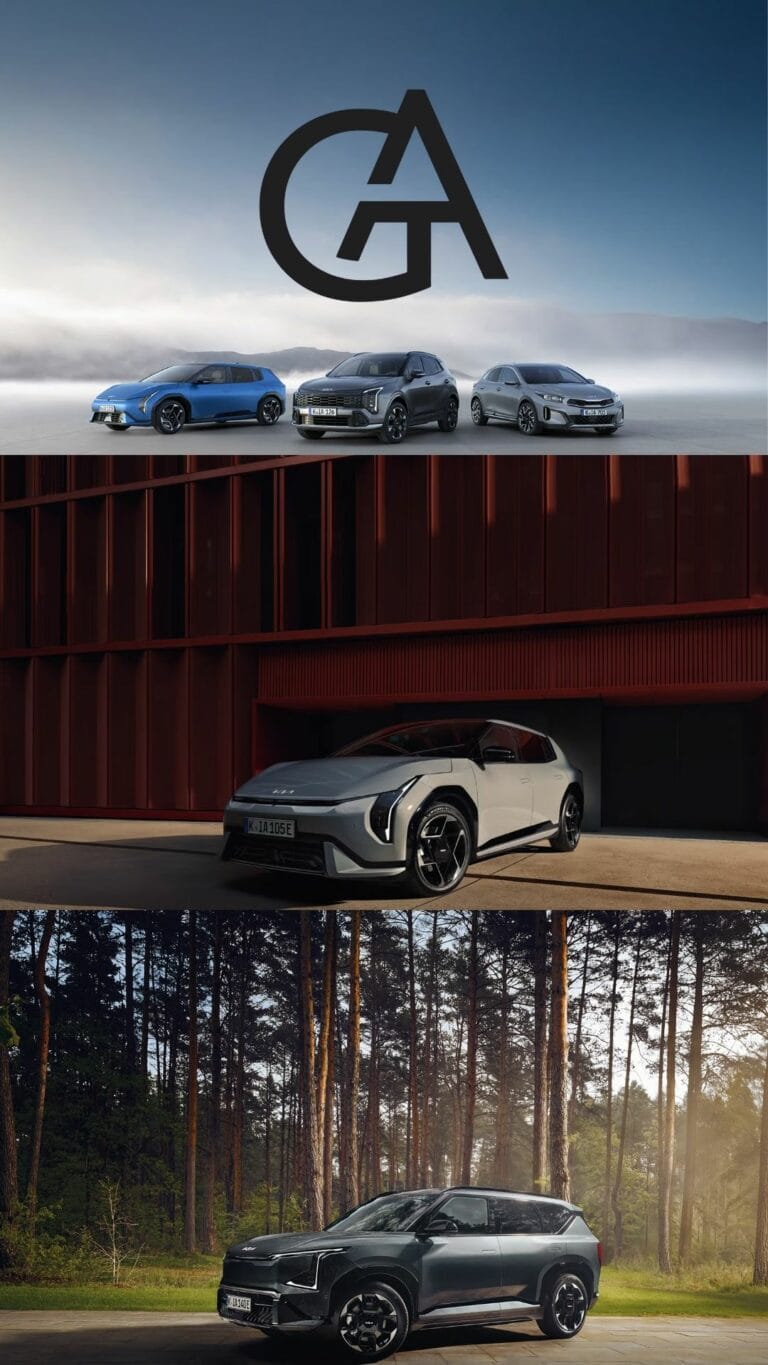
We would be happy to create professional and perfectly coordinated digital signage content for you.
From short and simple advertising animations, menu boards, and promotions to elaborate videos and interactive information and guidance systems, we are here for you!
Get in touch with us!
Detailed step-by-step instructions for maximum impact and visibility.
This article provides practical examples of how service providers create animated digital signage content for stand-alone operation (USB/SD).
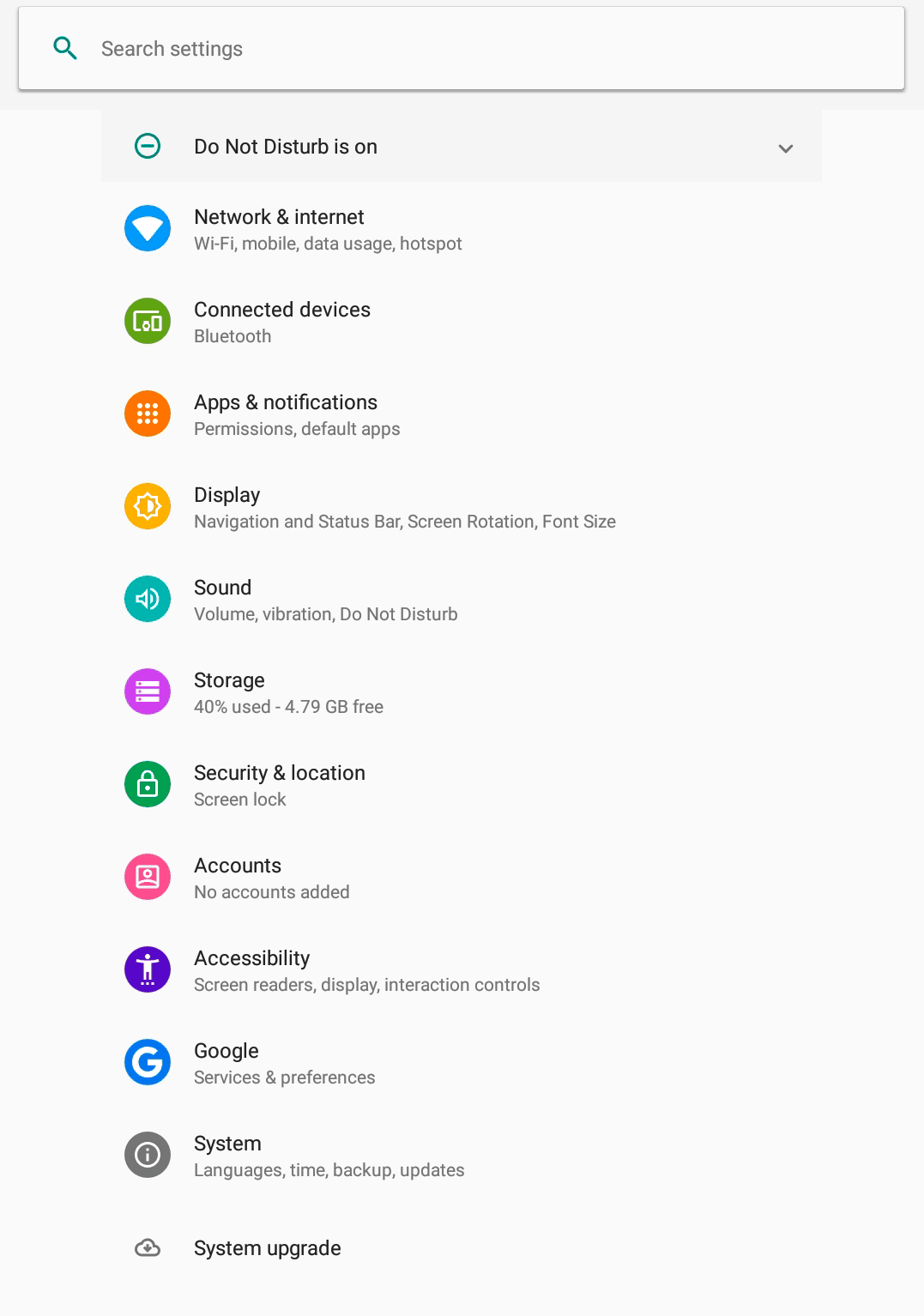
This step-by-step guide shows you which system settings in Android are relevant for the reliable operation of your digital signage player. It provides a structured overview of the most important menu items—from basic device settings to typical options for stable continuous operation.
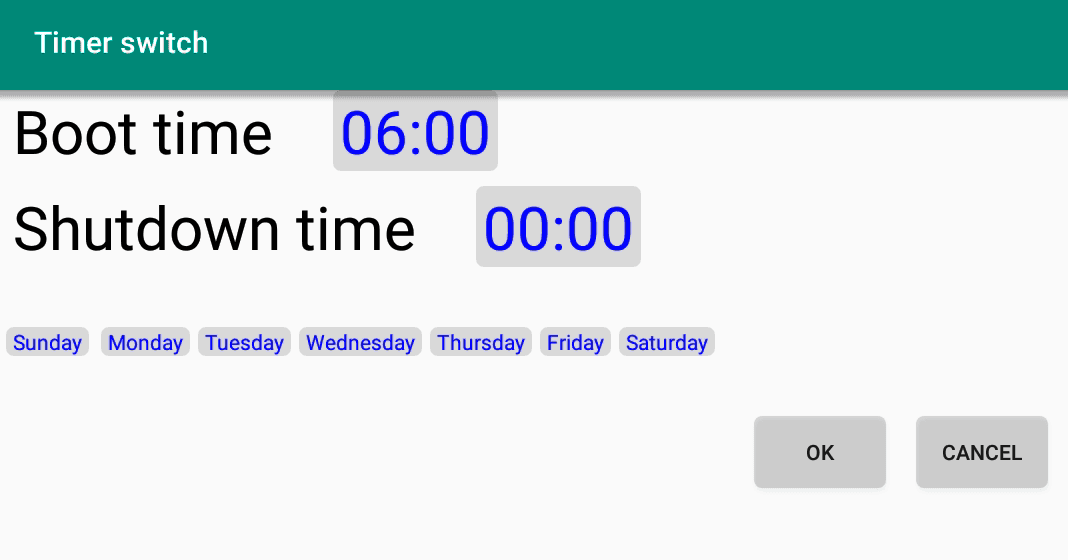
The Timer Switch app enables reliable time control for your Android player: automatic start and automatic shutdown according to a fixed schedule. In the instructions, we show you step by step how to activate autostart, define switch-on and switch-off times, and reliably operate the schedule in everyday life.
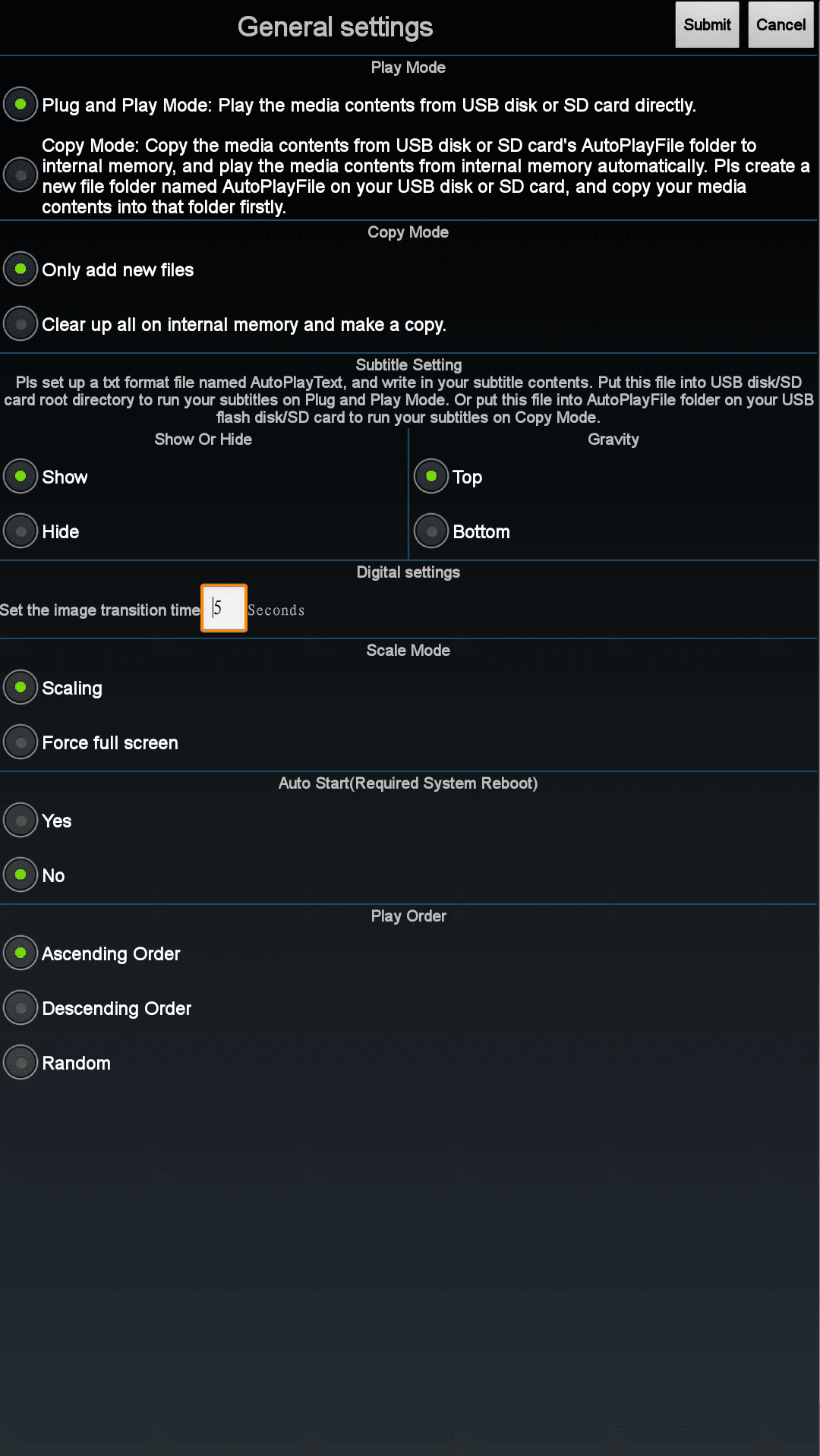
The Autoplay app ensures that your content is automatically played from a USB stick or memory card—without having to start it manually. In the step-by-step guide, we show you how to select the correct settings, choose the source, and activate automatic playback when plugging in or after restarting.
Consystec GmbH a strong sales and distribution network. As a specialized partner for advertising technicians, specialist retailers, system houses, and integrators, Consystec ensures that products are reliably available, correctly placed in projects, and that retailers receive technical and organizational support.
Short distances, clear contact persons, and practical advice are the focus. This is how individual displays and steles become complete solutions that fit seamlessly into existing IT and media landscapes.
For almost 75 years, AZ Buchstaben GmbH with high-quality signage, orientation systems, and customized solutions for indoor and outdoor use. This tradition has given rise to a strong center of excellence for product design and software development in the field of digital signage: from robust housings and sophisticated mounting concepts to the appropriate software architecture.
The goal is always to find a solution that works in everyday life—durable, low-maintenance, and visually integrated into the environment. This approach has resulted in digital signage products that impress not only with their aesthetics but also with their ability to withstand heavy-duty, continuous use.