Stand-alone operation is ideal when content needs to be delivered without a network, without CMS rollout, and with minimal operational effort.
For content creators, this means that they deliver finished media that is automatically transferred to the internal memory and played back automatically after inserting a USB stick or memory card.
This guide provides practical advice on how to plan and produce content in three functional modes depending on your goals and environment: poster, partially animated (image sequences), and fully animated (video).
The three operating modes: Which content is suitable for which application?
In stand-alone mode, it is not only the design that matters, but above all the viewing time (how long people realistically look at it) and the information density (how much content per motif). Use these three modes as standard for this purpose.
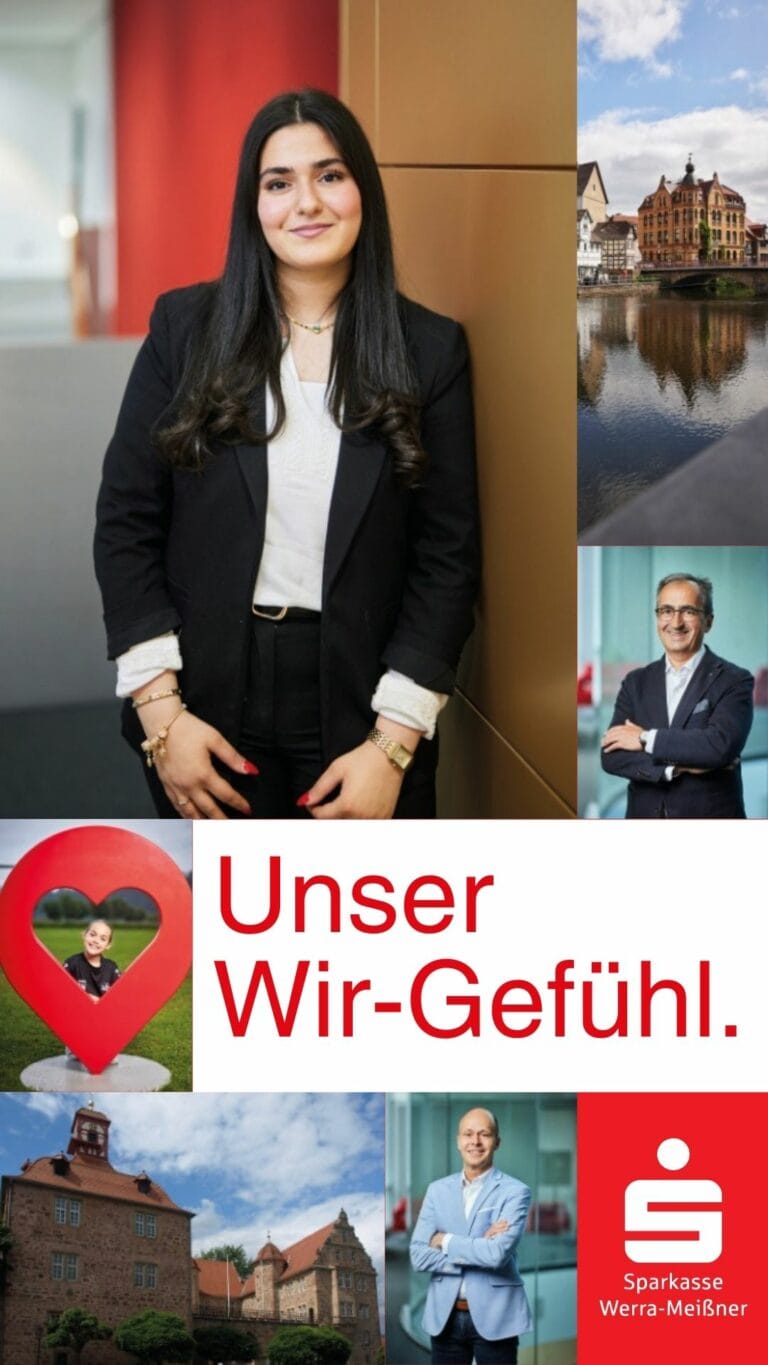
poster
Partially animated




Fully animated
"Poster" (20–60 seconds per content)
Perfect for: weekly specials, menus, real estate listings, notices/information, price lists, opening hours, announcements.
When to use:
A lot of information that should be read carefully
Target group has time (waiting area, checkout, reception, shop window with longer dwell time)
Recommended viewing time: 20–60 seconds per piece of content.
Best practices:
Clear grids, strong typographic hierarchy, generous spacing
Organize content into blocks (e.g., "Top 3 offers" instead of 12 items)
Check contrast and font sizes from a distance
One topic per poster (e.g., "Lunch menu" or "Property A")
Practical tip: Instead of overloading a motif with "too much" content, work with series: it is better to have three 30-second posters than one poster with too much information.
Poster (20–60 seconds): Production guidelines
One theme per motif, clear structure, strong typographic hierarchy
Reduce content or divide it into series
Dwell time 30–60 seconds per motif (depending on reading load)
Example
- Target: 20 seconds total
- Playback duration: 5 frames x 4 seconds = 20 seconds
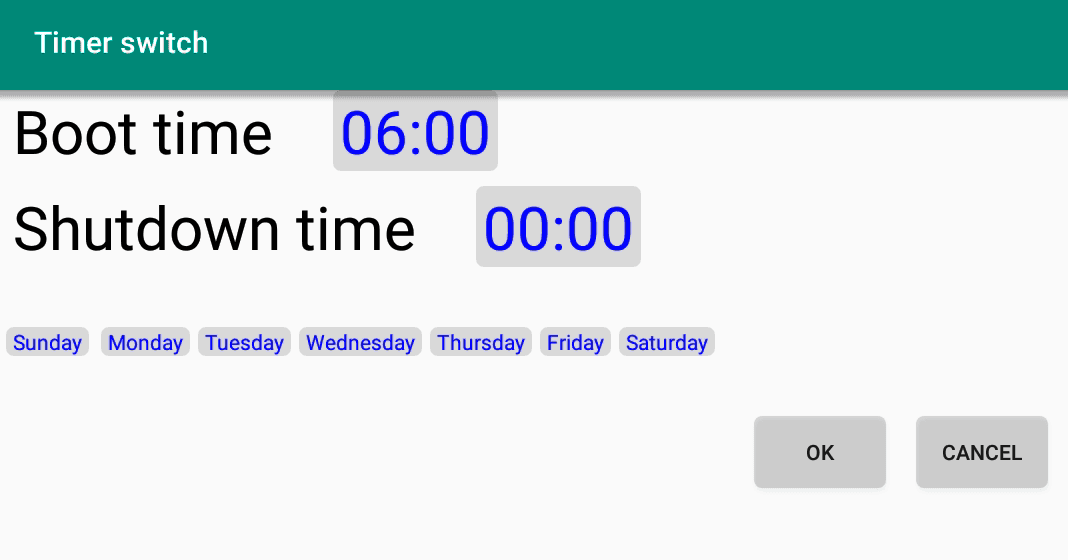
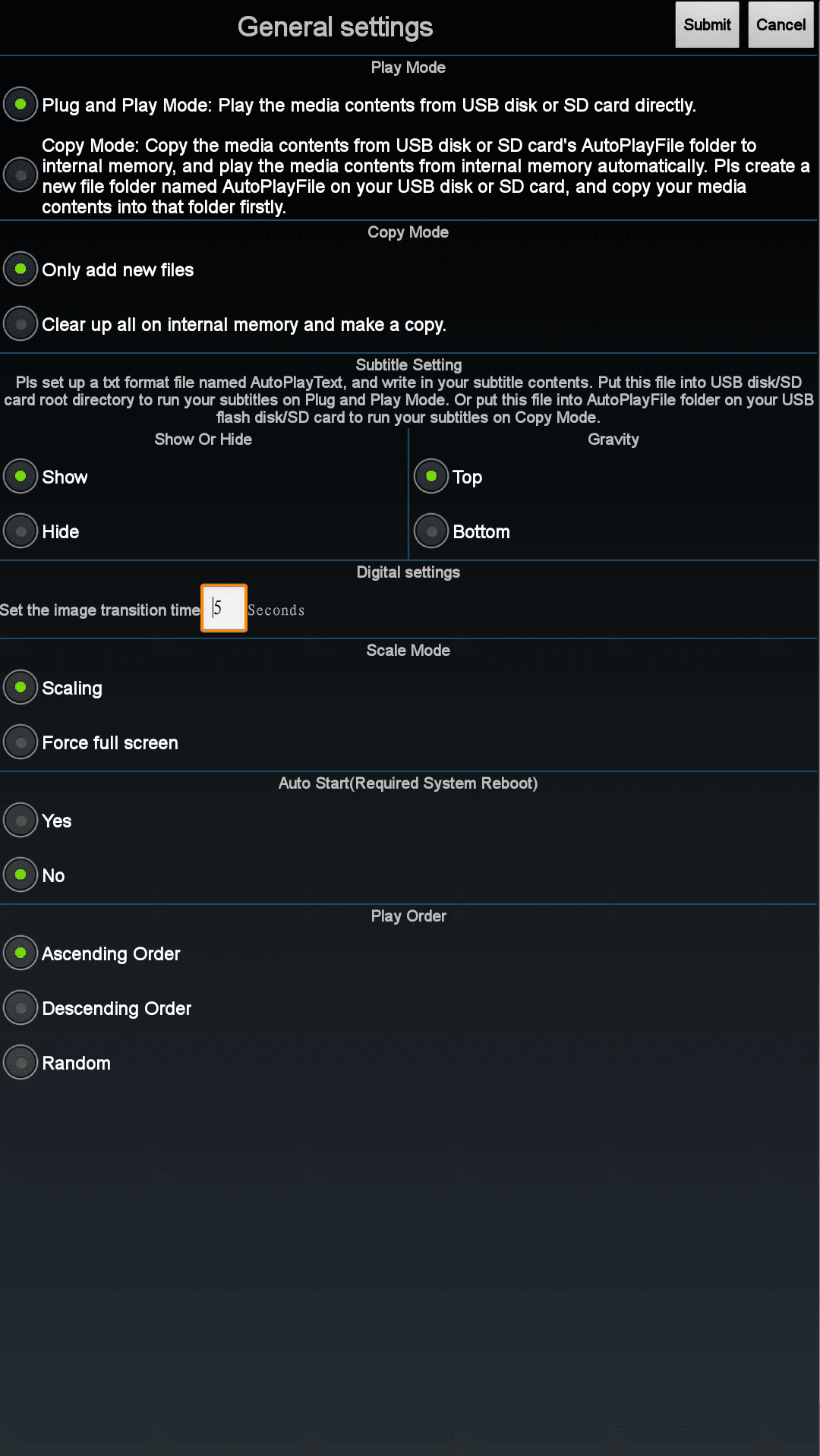
- Setting in the Autoplay app: 4 seconds playback time per frame
Individual images (frames)
Result "Poster"
"Partially animated" (attention + simple production)
Perfect for: attention-grabbing, short messages (offer, benefit, CTA) when video is not desired/possible.
Principle: You create the content as a layer composition (similar to a flip book or the sequence of images in an analog film) and export an image sequence. The animation is created by the rapid succession of individual images.
Why this mode scales so well:
Low maintenance: Changes (price/date) can be made quickly
Standardizable: Templates and sequences can be rolled out across locations
Stable: clear logic without complex timings
Example
- Target: 20 seconds total
- Playback duration: 20 frames x 1 second = 20 seconds
- Number of frames: 20 (1 per second of playback time)
- Setting in the Autoplay app: 1 second playback duration per frame
Individual images (frames)
Result "Partially animated"
Implement partially animated: Set playback duration in the autoplay app to 1 second
For the "partially animated" mode, a clear timing standard is recommended:
- Set the playback duration per medium/slide in the Autoplay app to 1 second.
Why this works so well in practice:
They think in "frames": each image = 1 second.
You control the exposure time not by complicated timings, but by the number of frames.
Partially animated production: Complete content design
The most common mistake in production: animation is created before the message is finalized. A clear workflow is preferable:
Define the key visual: headline, benefits, price/offer, CTA, sender.
Storyboard in 3–6 stages: Which elements appear when?
Check the hierarchy: What needs to be understood in 1–2 seconds?
Practical rules for screen content (short and sweet for professionals):
Large font, high contrast, short text passages.
No flyer layouts: fewer elements, more focus.
Use repeatable templates (so that branch updates don't escalate later).
Output partially animated: Layer as image sequence (control timing via number of images)
You create the content as a layer composition and then export an image sequence. The animation is created by the sequence of frames.
Core principle:
Display duration is controlled by the number of identical images.
For a playback duration of 1 second, the following applies: 2 identical images = 2 seconds of display time.
- If you want to slow down the display speed, you can easily adjust the playback time per frame.
Objective: Walk-in customers should immediately grasp the offer. The loop should appear calm, but attract attention.
Motif content (final state):
Large product image
Headline: "Weekly special"
Prominent price
CTA: "Discover now in the store"
Storyboard (frames):
Basic layout (product + headline) – display time 2 seconds
Price appears/highlight – display time 2 s
CTA element appears (arrow/button) – duration 2 seconds
Overall scene remains stable – dwell time 1–2 s
To implement this as an image sequence (1 second per image):
Frame 01–02: Basic layout (2 images = 2 seconds)
Frame 03–04: Price highlight active (2 s)
Frame 05–06: CTA displayed (2 sec)
Frame 07–08: Final state stable (2 s)
Practical tip: If you want the price to "pulse," work with 2–3 variants (slightly different brightness/glow) and repeat them in a controlled manner. Less is more.
Objective: The dish, price, and ordering instructions should be clear within a short period of time (entrance/ordering area).
Motif content (final state):
Large court photo
Title: "Daily Special"
Dish name + 1 benefit (e.g., "homemade")
Price
CTA: "Order now" / "While supplies last"
Storyboard (frames):
Court photo + title (2 sec)
Court name + benefit fades in (2 s)
Price fades in and is briefly emphasized (2 s)
CTA fades in (2 s)
Image sequence (1 second per image):
Frame 01–02: Photo + Title
Frame 03–04: Name + Benefit
Frame 05–06: Price visible (possibly 2 variants for soft focus)
Frame 07–08: CTA visible
"Fully animated" as best practice for maximum attention
Perfect for: maximum attention in peripheral vision, image/branding, product presentation, campaigns.
Principle: You produce animated videos that run in a loop.
Why this is best practice:
Movement and rhythm generate the highest stop rate
Video allows for clean transitions, timing, and dramaturgy.
Ideal for conveying benefits/story in just a few seconds
Best practices:
Think in loops: entry must work at any time (no "title at the beginning")
Planning without sound (text/fade-ins)
Smooth, high-quality motion instead of hectic effects
Why animated content generates significantly more attention
Digital signage is often noticed "in passing." Movement acts as a natural attention anchor: it is recognized more quickly in peripheral vision than static images.
It is important to note that this is not about "lots of movement," but rather targeted animation that reinforces the message.
Price or benefit highlight (brief flash, fade-in, focus frame)
CTA element (arrow, button, "Discover now")
Product/device image with gentle movement (minimal zoom, smooth transition)
Rule of thumb: one message per sequence. If too many elements are animated at the same time, readability decreases and the impression becomes unsettling.
Fully animated (video): Production guidelines
6–12 second loop as starting point (depending on message)
Easy to follow at any time, without sound, clear text overlays
Brand/sender visible early on
Result "Fully animated"
Checklist for delivery
Mode selected: Poster (30–60 s) / Partially animated (1 s frames) / Fully animated (video loop)
Sequence/loop tested: legibility from a distance, rhythm, no hectic effects
Unique file names/sorting (so that the order remains stable)
Medium labeled + version status documented (for later updates)
Conclusion
Stand-alone content becomes powerful when you choose the right function mode:
- Poster for information-rich content that takes a long time to comprehend
- Partially animated for scalable attention with image sequences
- Fully animated as best practice for maximum impact in peripheral vision