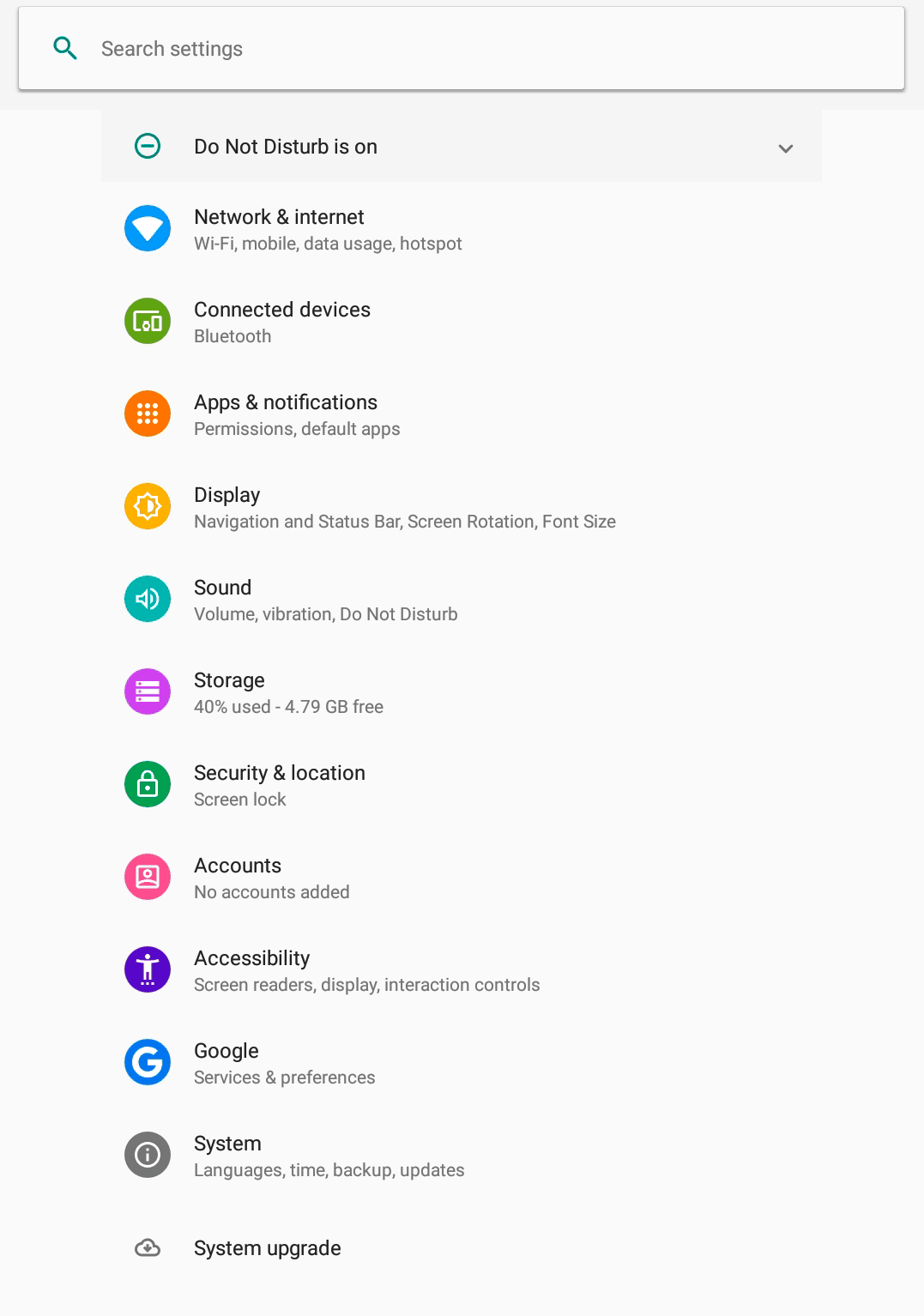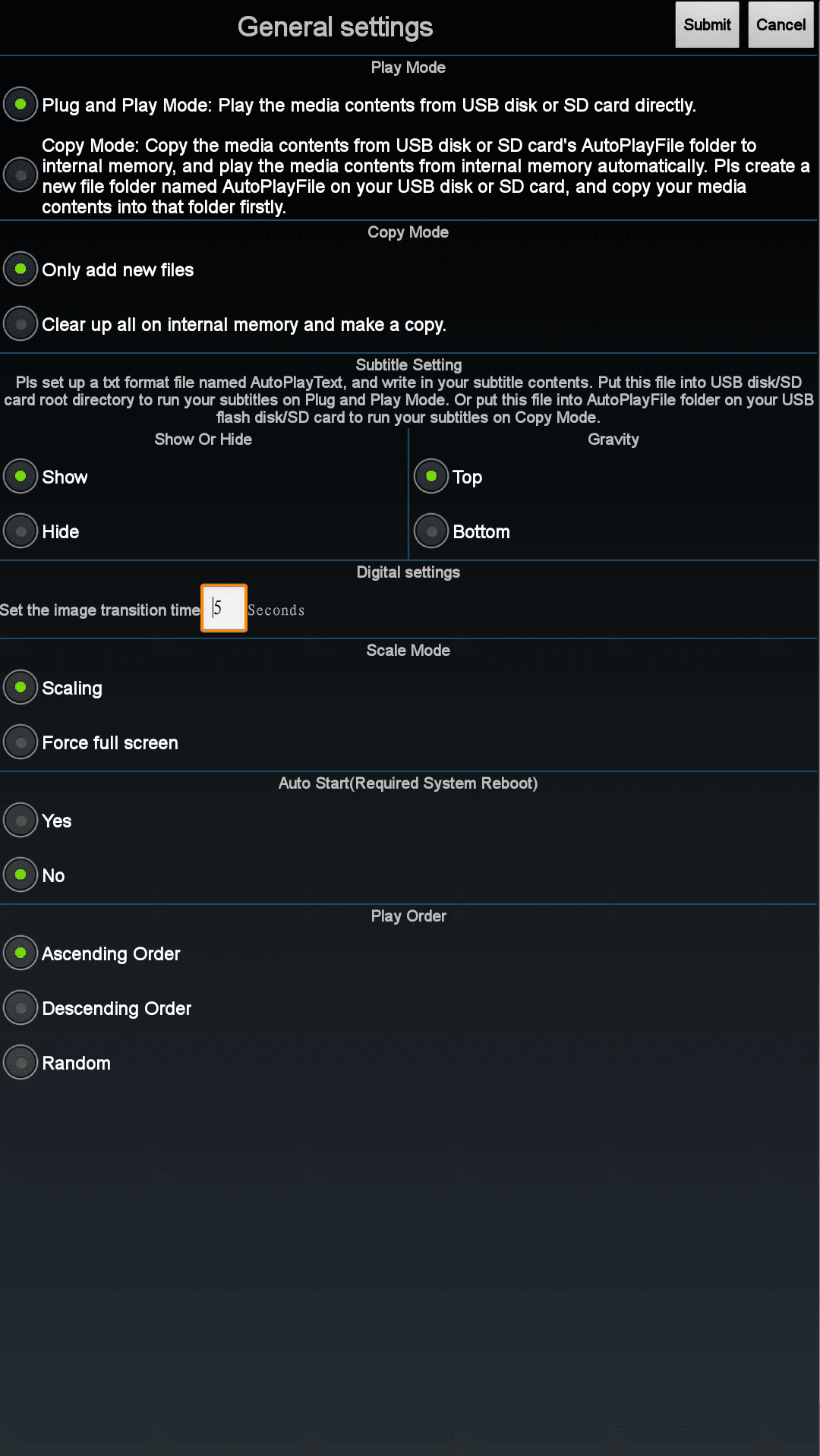
The Timer Switch app enables reliable time control for your Android player: automatic start and automatic shutdown according to a fixed schedule. In the instructions, we show you step by step how to activate autostart, define switch-on and switch-off times, and reliably operate the schedule in everyday use. This allows your system to run energy-efficiently and without manual intervention—ideal for regular operating times in stores, reception areas, or showrooms.
Timer (optional)

home screen
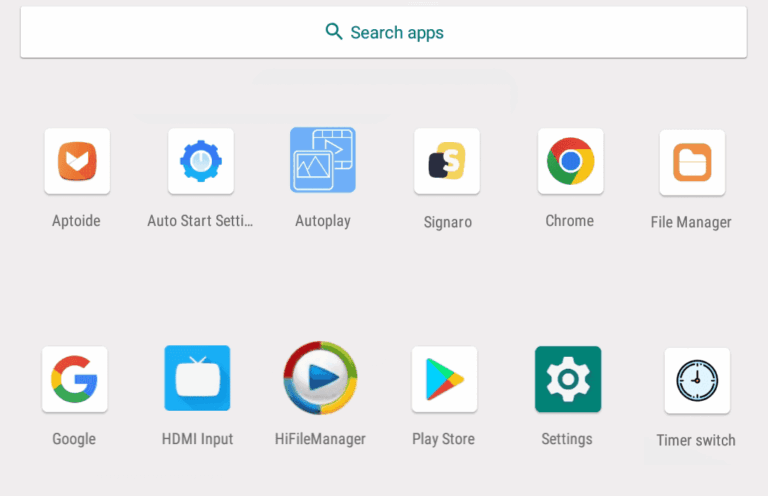
Open the App Launcher from the Start screen, which displays all installed apps.
App Launcher
Open the "Auto Start Settings" app in the App Launcher.
Timer switch - App
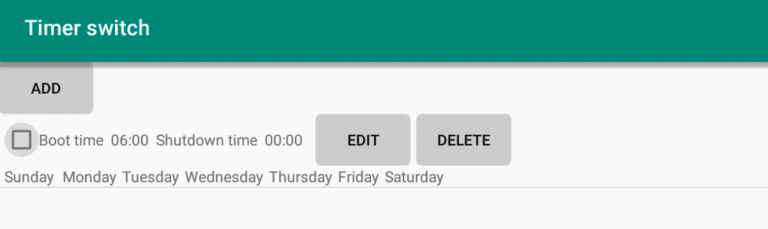
Timer switch
In the "Timer switch" window, you can see all the time intervals at which the device automatically starts and shuts down.
Several daily time intervals
You can create multiple time intervals per day. This makes it possible to:
- Semi-outdoor customer stoppers only run during times when there is a lot of public traffic.
- Indoor devices only start during opening hours, while shop window displays also run outside opening hours.
Individual settings for each day of the week
Time intervals can be defined for each day of the week. This makes it possible to:
- Indoor devices do not start on rest days or weekends, while outdoor displays do start.
- All devices shut down during the midday break.
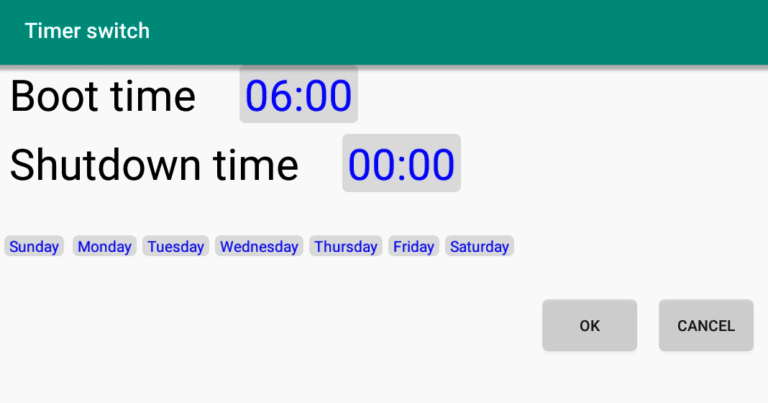
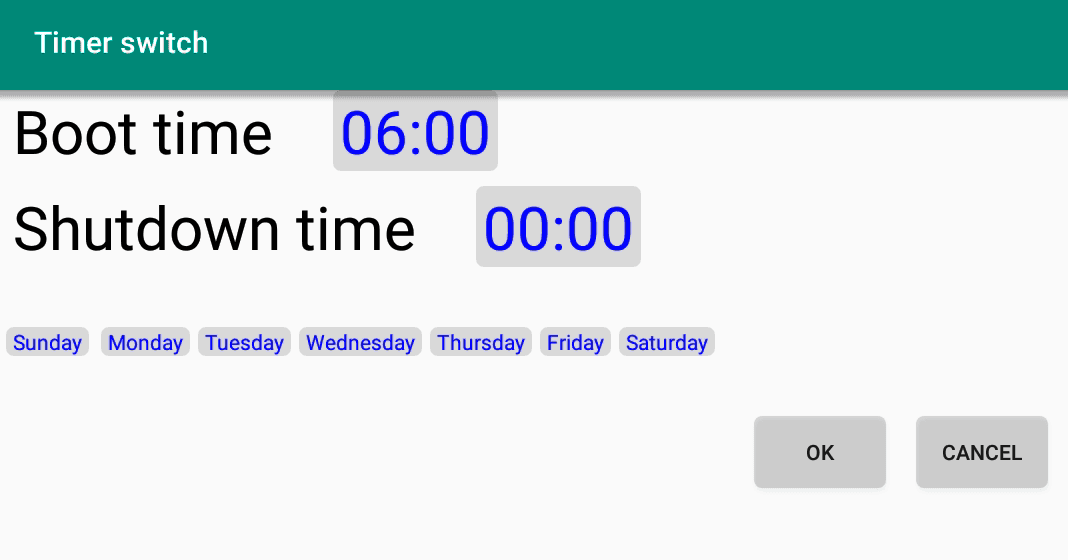
Timer switch > Add / Edit
Boot time
Start time of the device.
Shutdown time
Time to shut down the device.
weekdays
Determine the days of the week on which the timer is active.